
You’re searching for a free social media management trial so you can schedule your posts without paying upfront. You find one you like, and the signup page gives you two buttons: “Start free trial” and “Get started free.” Same thing, right?
Not quite. A free trial and a free plan work very differently, and picking the wrong one can mean paying for something you never meant to buy, or building your routine around a tool that stops working the day your trial ends.
This guide explains the difference in plain language, shows who each option suits, and gives you a checklist to run before you enter any details. The examples come from two real tools, Buffer and Meta Business Suite, using their public pricing and product pages. Plans change often, so always confirm the current terms on the tool’s own page before you sign up.
What a free social media management trial really is
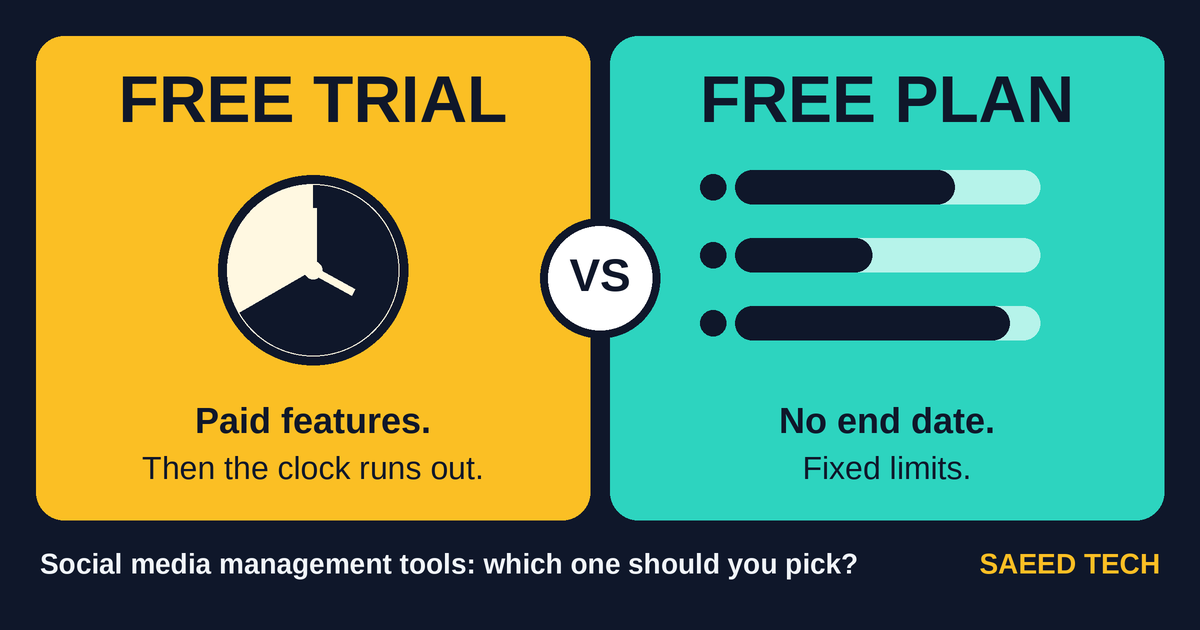
A free trial gives you the paid version of a tool for a limited time. You get to test the features you’d normally pay for, like more channels, more scheduled posts or extra reports. When the clock runs out, one of a few things happens: the account is switched off, it drops to a free plan, or it starts charging you. Which one depends entirely on the company.
That last outcome is the one to watch. The US Federal Trade Commission’s consumer advice says free trials usually ask for your card details so the company can charge you if you don’t cancel before the trial ends. It suggests putting the end date in your calendar. Not every tool works that way, but don’t assume yours doesn’t.
Buffer is a friendlier example. Its pricing page says you can try its paid plans, and that during the trial you can upgrade or switch to its Free plan at any time. You can also skip the trial and start on the Free plan straight away.
What a free plan really is
A free plan is a permanent, trimmed-down version of the product. It doesn’t expire. The trade-off is that it has limits, and you’ll hit them as you grow.
Buffer’s Free plan allows up to three channels and ten scheduled posts per channel at a time. “At a time” matters here, because the page says you can refill anytime. As posts go out, space opens up again. If you post once a day on a channel, ten queued posts is roughly ten days of content planned ahead. That’s plenty for a small account and tight for a busy one.
Meta Business Suite takes a different approach. It’s free, and it lets you create, schedule and manage posts and stories across a Facebook Page and an Instagram account, with an inbox and insights included. The catch is in the design: it’s built for Meta’s own platforms, so if you also publish to other networks you’ll need something else alongside it.
The real differences, side by side
- Time. A trial ends. A free plan doesn’t.
- Features. Trials usually show you more. Free plans show you less, but what you get is yours to keep.
- Money risk. With a trial, you need to know what happens on the last day. A free plan has no end date to forget, though you should still read the signup screen.
- What you learn. A trial tells you whether the advanced features are worth paying for. A free plan tells you whether you’ll actually stick with posting regularly.
When a free trial makes sense
Trials work best when you already have a reason to need paid features. Think of running several brand accounts, working with a team that needs approvals, or wanting reports for a client.
One tip saves a lot of wasted trials: start only when you have real content ready. Plan a couple of weeks of posts first, then begin the trial and use it properly. A trial spent poking around an empty dashboard teaches you very little. Put the end date in your calendar the day you start, as the FTC suggests, and decide before then whether you’re upgrading, downgrading or leaving.
When a free plan is enough
For a lot of beginners, it is. If you manage one to three accounts and post a few times a week, a free plan or a free native tool can carry you for months.
If you only post to Facebook and Instagram, try Meta Business Suite before paying anyone. It’s made by the platforms themselves and costs nothing. If you’re on a few different networks, try a free plan from a scheduling tool first, and upgrade only when you hit a limit you can actually name. “I might need more someday” doesn’t count.
“If you want a wider list of options, our guide to free social media marketing tools covers a zero-budget setup.”
The catch most people miss: what happens when you switch
Moving between plans is where beginners get caught out.
Take Buffer. Its pricing page says that if you upgrade from the Free plan, you pay for each channel, including the ones you were already using for free. Your cost grows with the number of channels, so do that sum before you connect everything.
The same page explains what happens when a trial ends. Scheduled posts keep publishing as long as the connected channels aren’t locked, and channels get locked if you’re over the Free plan’s three-channel limit. In plain terms, if you connected five channels during the trial, the ones over the limit will lock when you drop to Free. Decide which three you want to keep before the trial runs out.
Other tools set their own rules, so check each one. The point is to know the end-of-trial behavior before you start, not after.
A quick checklist before you sign up
- What happens on the last day? Does it charge you, downgrade you, or lock things?
- Do they ask for card details up front? If so, treat the trial as a subscription you need to cancel.
- Where and how do you cancel? The FTC advises knowing how to cancel before you hand over card information.
- Are any boxes pre-ticked? The FTC warns that pre-checked boxes can sign you up for more than you intended.
- Which limits matter to you? Channels, scheduled posts, number of users, and which networks are supported.
- Is the free plan limit enough for how you post? Count your posts per week and compare.
- Is there a reminder in your calendar? Set it the day you start.
So which one should you pick?
- Posting only to Facebook and Instagram, on your own? Start with Meta Business Suite.
- Posting to a few networks at a small volume? Start with a free plan.
- Running a team, a client account or many channels? Use a trial, with real content ready.
- Not sure? Begin free and upgrade when you hit a limit you can name.
Common mistakes to avoid
- Starting a trial with no content ready.
- Connecting more channels than the free plan allows.
- Forgetting the trial’s end date.
- Choosing a tool from its feature list alone instead of how you actually post.
- Ignoring the free tool the platform itself provides.
Frequently asked questions
Is a free trial better than a free plan?
Neither is better in general. A trial is better for testing paid features, and a free plan is better for low-volume, long-term use.
Do free trials need a credit card?
Some do and some don’t. The FTC notes that card details are usually required so a company can charge you if you don’t cancel in time, so read the signup page and check.
Can I schedule social media posts for free?
Yes. Meta Business Suite is free for Facebook and Instagram, and tools like Buffer offer free plans with limits on channels and scheduled posts. Limits change, so check the current terms.
What happens to my scheduled posts when a trial ends?
It depends on the tool. With Buffer, scheduled posts keep publishing as long as the channels aren’t locked, which happens when you’re over the Free plan’s channel limit.
Final thoughts
The right choice comes down to one question: do you need paid features now, or do you just need somewhere to schedule posts? If it’s the second, a free plan or a free native tool will probably do the job. If it’s the first, run a trial properly, with real content, a calendar reminder and a clear idea of what happens on the last day.